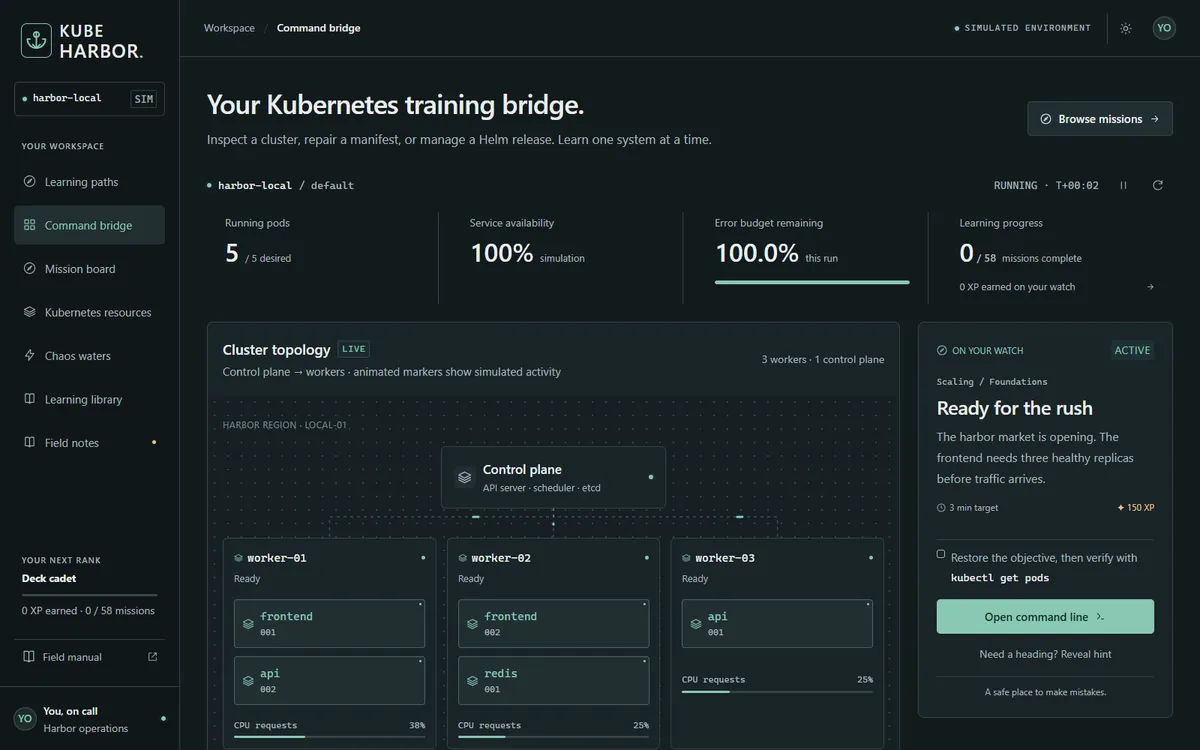
Command bridge
A live cluster on your screen
Cluster topology, running pods, service availability and the error budget, next to the mission you are on.
kubectl apply -f kube-harbor.yaml
Kube Harbor is a free Kubernetes operations game that runs in your browser. Break a cluster, read the symptoms and fix it with kubectl and Helm, before it happens at 3 AM in production.
$ kubectl get pods
Made with Remotion from real Kube Harbor screens. No sound.
Pick a mission or let Chaos waters choose an incident. The cluster map shows what is running and where.
kubectl get pods
Pods go amber, availability drops and the error budget drains. Describe, read logs and find the cause.
kubectl describe pod api-002
Roll back, scale, patch a manifest or upgrade a Helm release. The map heals when the objective is met, and you earn XP.
kubectl rollout undo deployment/api
Command bridge
Cluster topology, running pods, service availability and the error budget, next to the mission you are on.
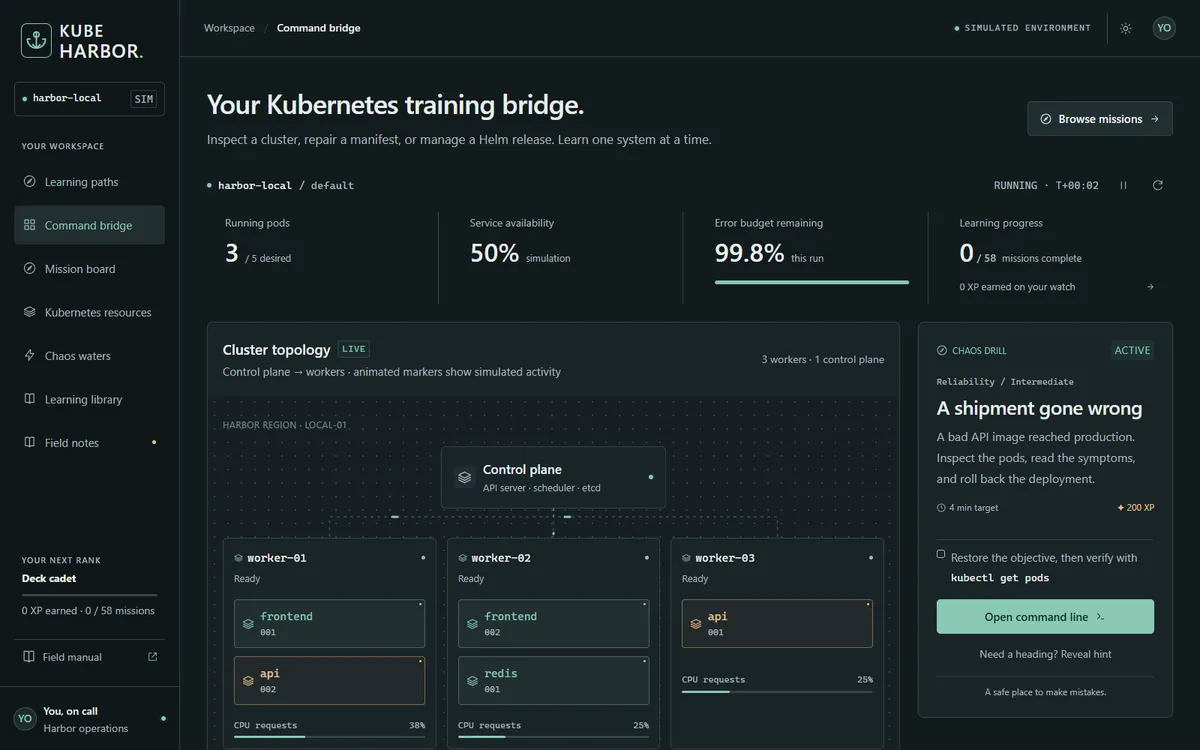
Chaos waters
Ship a broken image, lose a node, run out of CPU or memory, drop a Service. Availability falls and the clock starts.
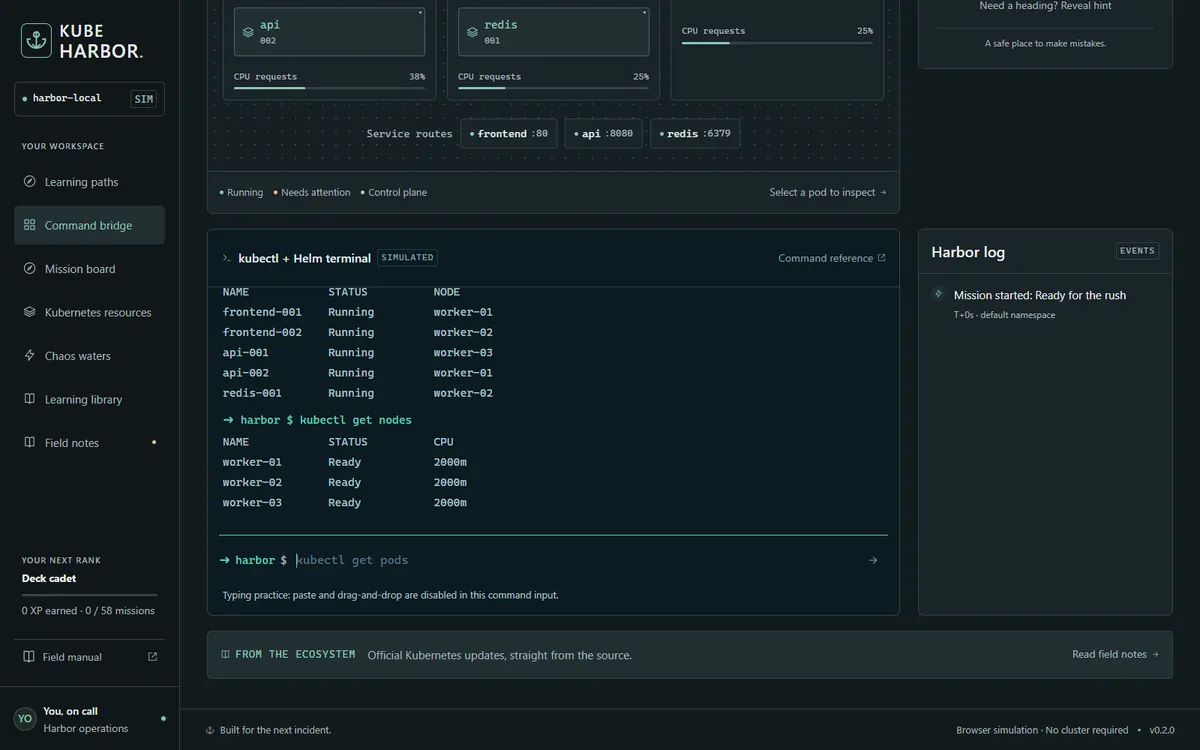
kubectl + Helm
A simulated terminal for get, describe, logs, scale, rollout, apply and Helm releases. Paste is off, so the commands stick.
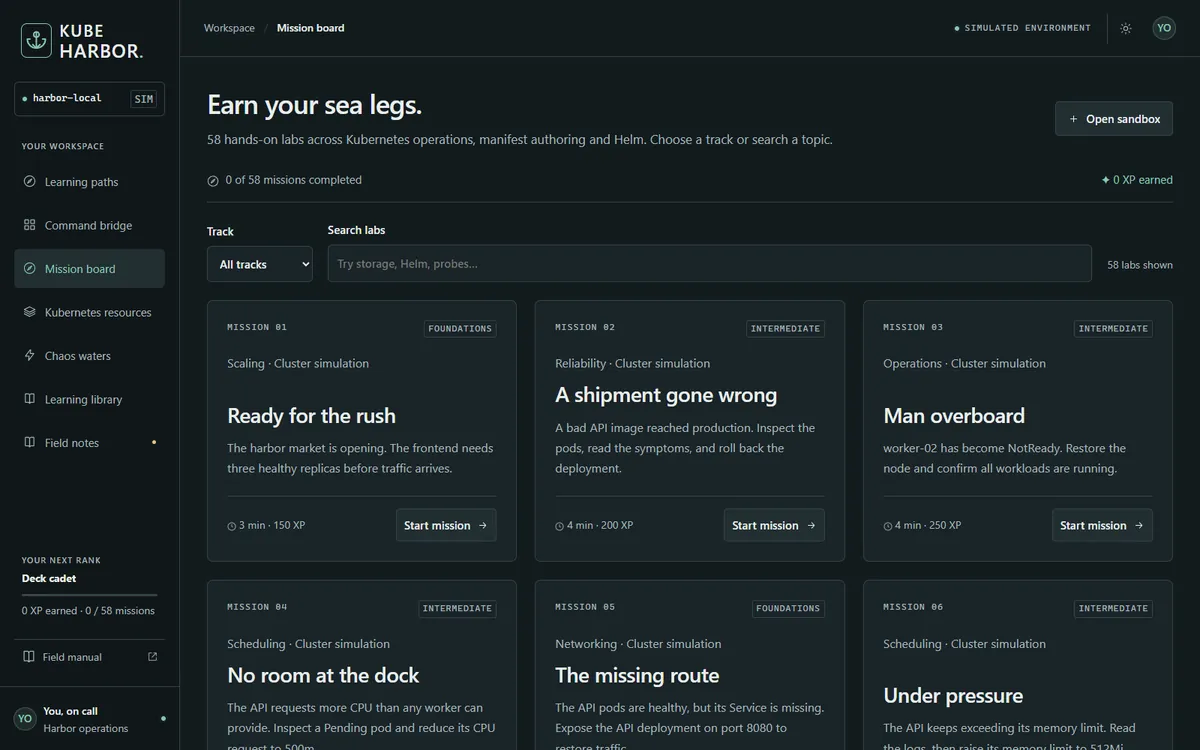
Mission board
Deployments, StatefulSets, Jobs, probes, RBAC, NetworkPolicies, storage, Gateway API, CRDs and Helm, with XP for each.
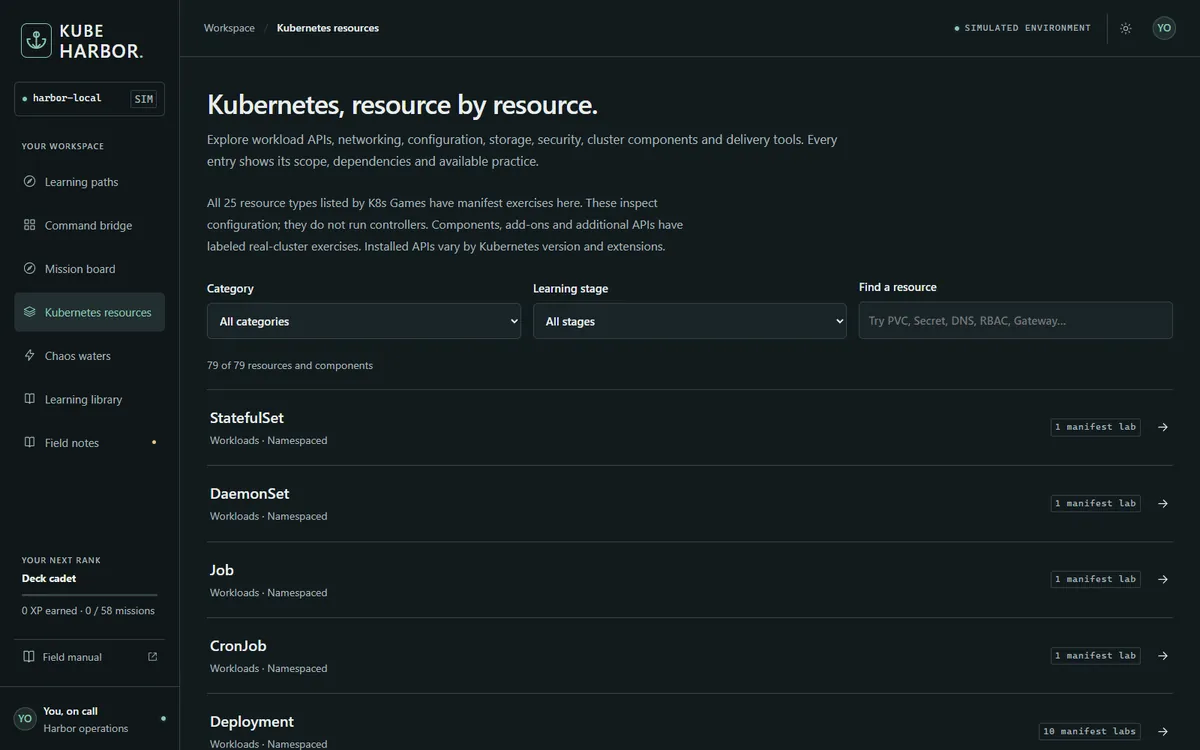
Resource directory
Scope, dependencies, example manifests and how to verify each one on a real cluster.
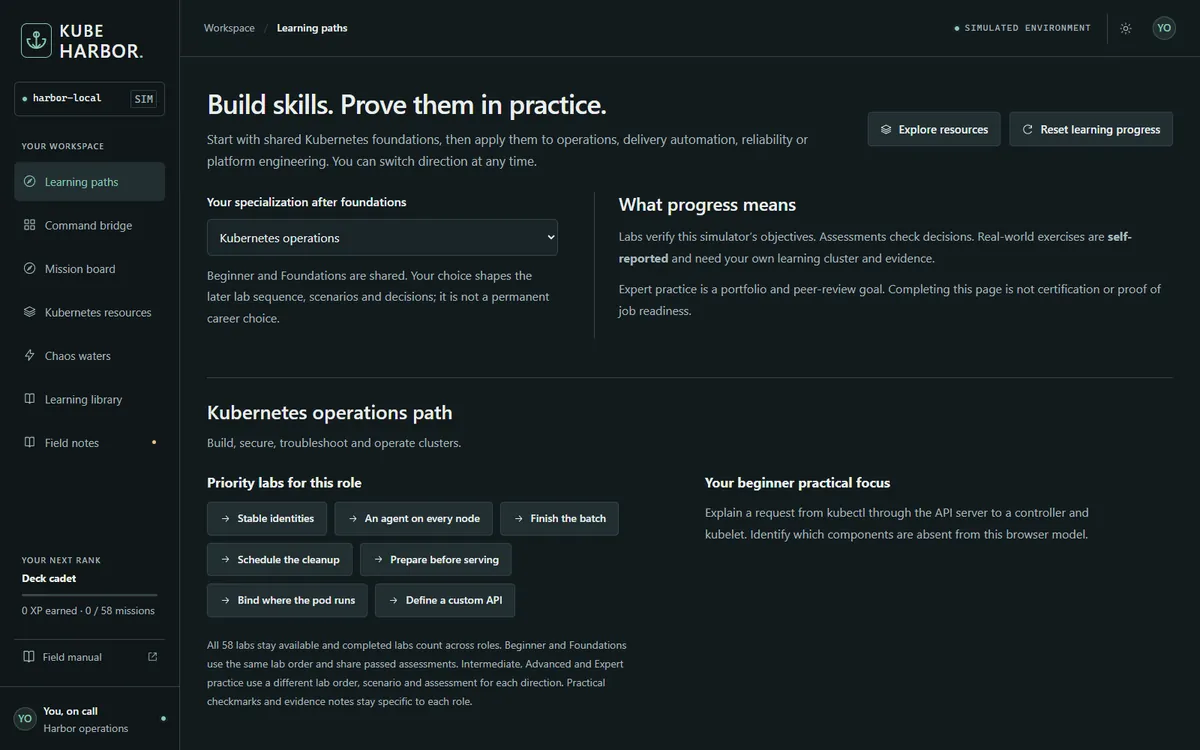
Learning paths
Graded stages for Kubernetes operations, DevOps, SRE and platform engineering, with assessments and practice tasks.
Anyone learning Kubernetes, from the first Pod to RBAC, Gateway API and Helm. Choose a role after the foundations and the labs, scenarios and assessments follow it.